Results Viewer
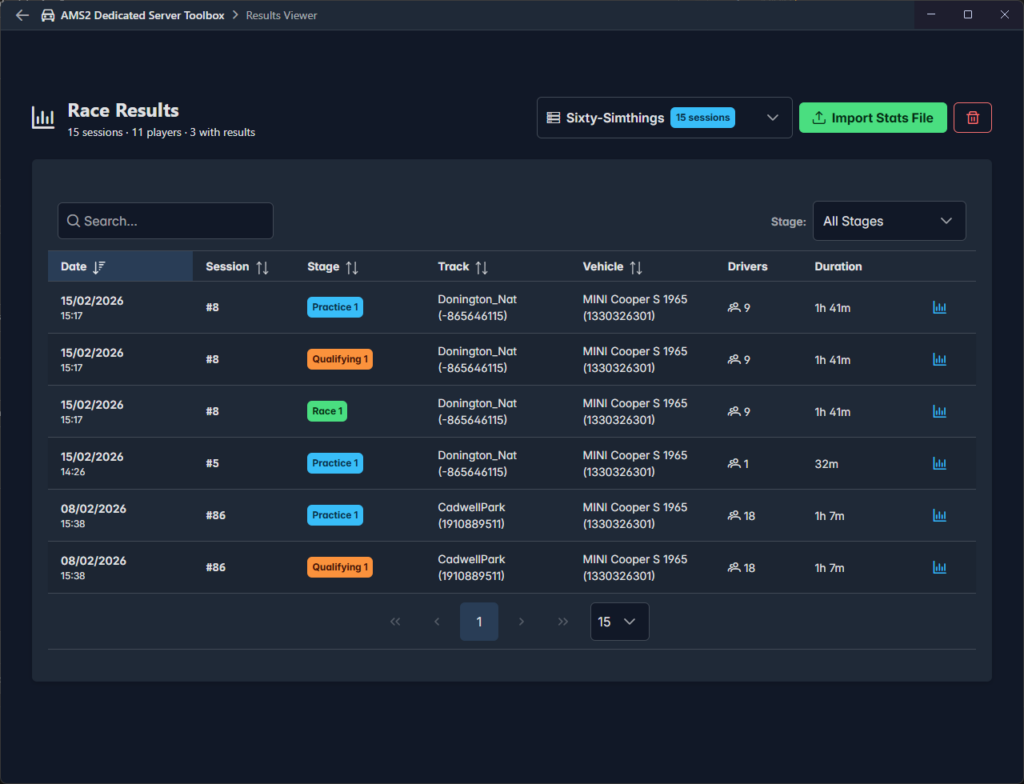
AMS 2 Dedicated Server provides the Results Viewer to help you record and analyse the results of events run on your dedicated server. It uses data available in the data file created by the sms_stats Lua plugin, which it captures into a database maintained by the application. Results Viewer takes care not to create duplicate results using index values included in the file.
Importing Data
You can import data into the database from Results Viewer or Stats Viewer. For your convenience Stats Viewer includes a button to import the data from the file your are already viewing. In Results Viewer simply click the Import Stats File button.
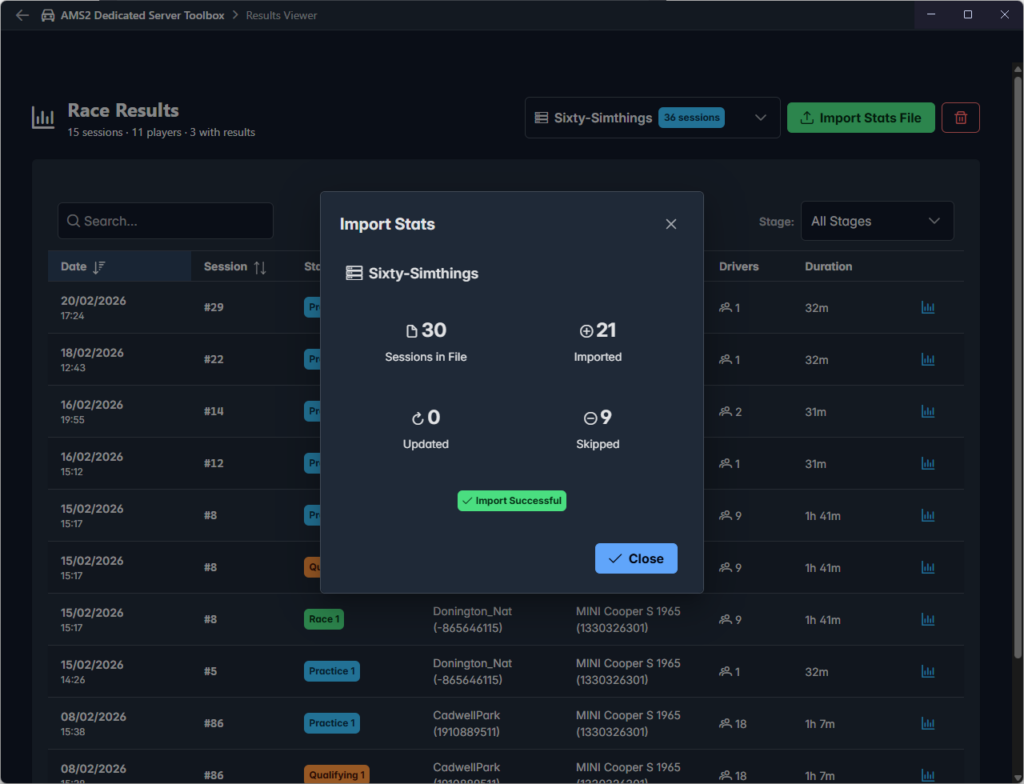
The popup window provides a summary of results found and imported. In the second row of the summary you can see that some sessions were skipped, these are sessions that were already imported from the file.
It is important that all drivers remain connected to the event session until the game returns them to the ready screen. If a driver leaves the session before this their final result will not be captured.
Viewing Details
To view the full details for a session click on the chart icon at the end of a row.
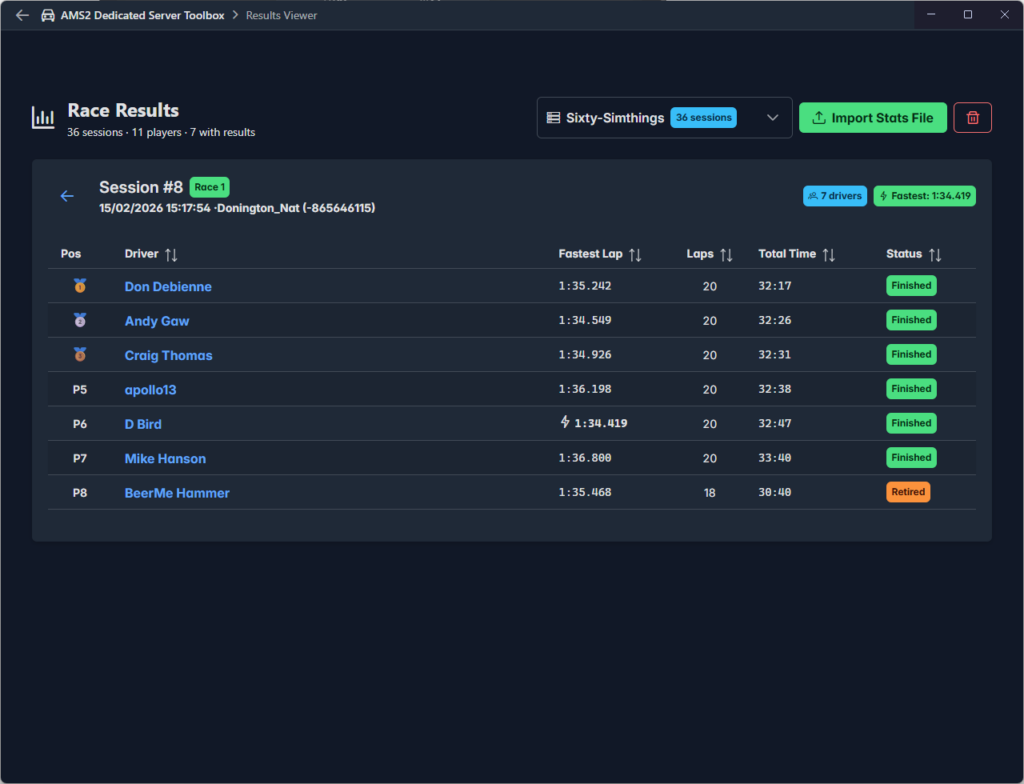
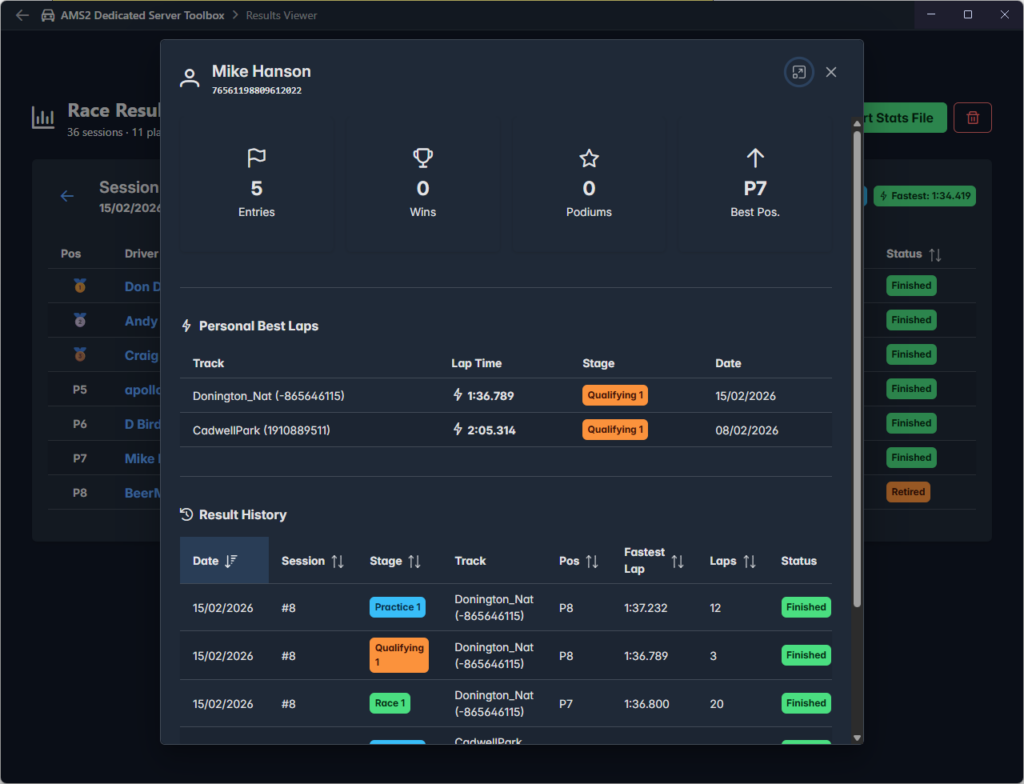
With this window open you can drill down further into individual driver records by clicking on their name: