
Stats Viewer
The AMS2 Dedicated Server package includes one crucial Lua plugin, sms_stats. Without this plugin it is impossible to get the results for an event after you have closed the results screen in the game. Because of this we included two tools in our AMS2 Dedicated Server Toolbox, Stats Viewer is the first.
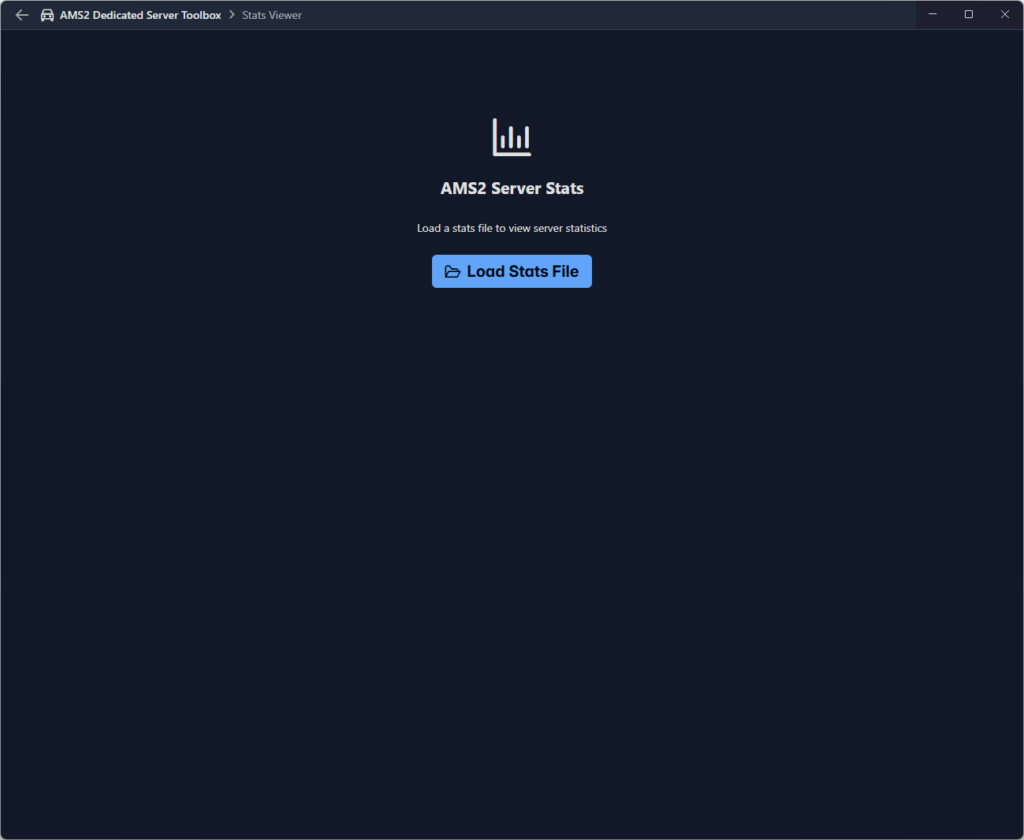
Stats Viewer allows you to load the data file produced by the sms_stats plugin. The file is usually names sms_stats_data.json and is usually output to the lua_config folder within the server application root folder.
The start using Stats Viewer click the Load Stats File button. The default file selector window for your operating system will open allowing you to locate and select the stats data file. Once you select the file and load it Stats Viewer will analyse the contents and present a summary of the stats.
While developing the Stats Viewer we discovered a lot of anomalies in the data. It seems the plugin cannot handle situations where a player leaves a session and then returns before the session ends. This produced some weird negative values. This may be because we provide our server as a practice only server for most of the time and our members are free to enter and leave when they like. Once we discovered this we changed Stats Viewer to focus only on actual events, that is sessions with a qualifying and/or race stage. Practice sessions are ignored.
Stats Viewer provides three tabs:
- Overview
- Players
- Session
Overview
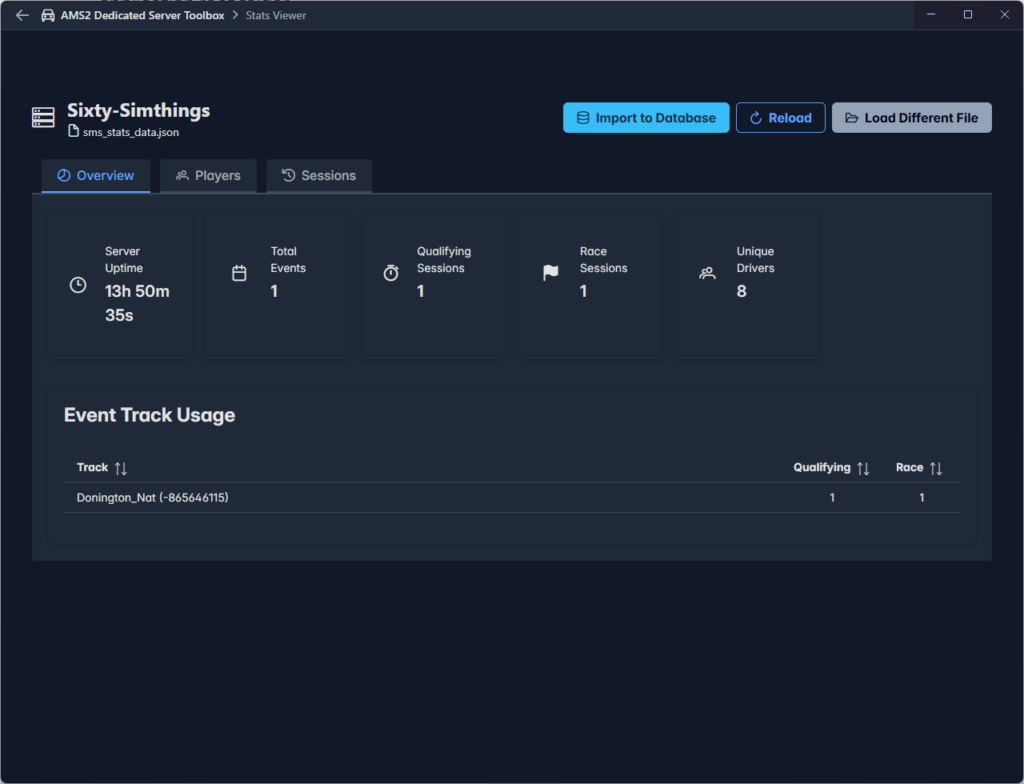
The Overview tab provides a simple summary of various counts, followed by a break down of track and the stages run at the track.
Players
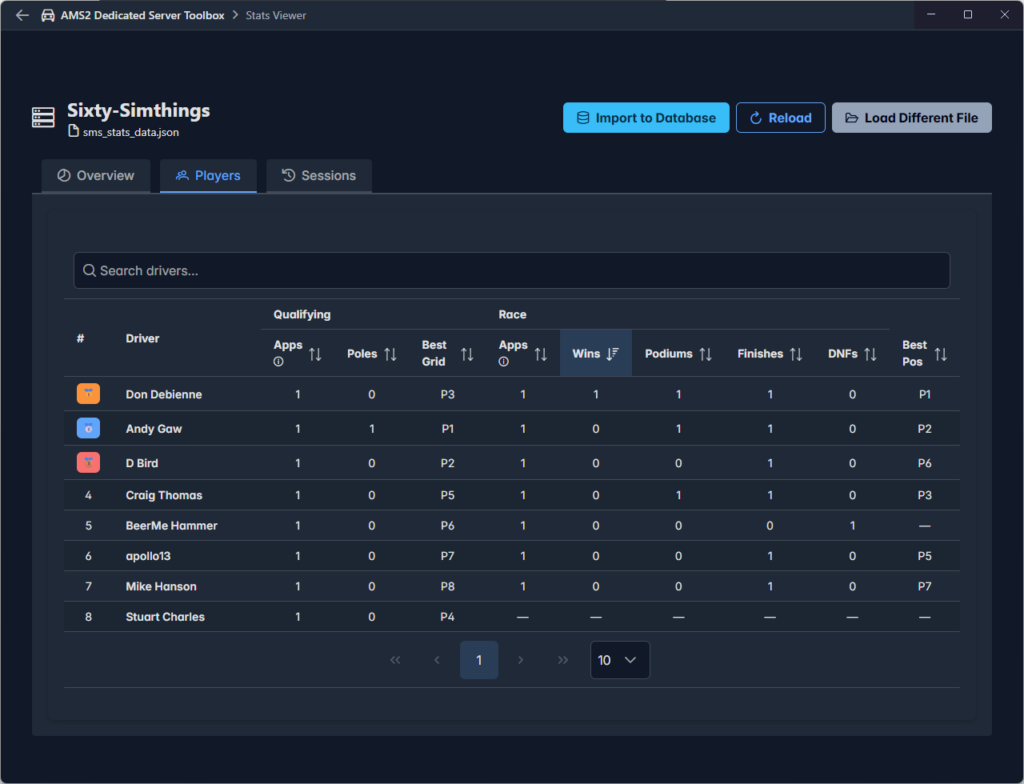
The Players tab shows a table of unique drivers that have participated in any event and some performance statistics for both Qualifying and Race stages.
Sessions
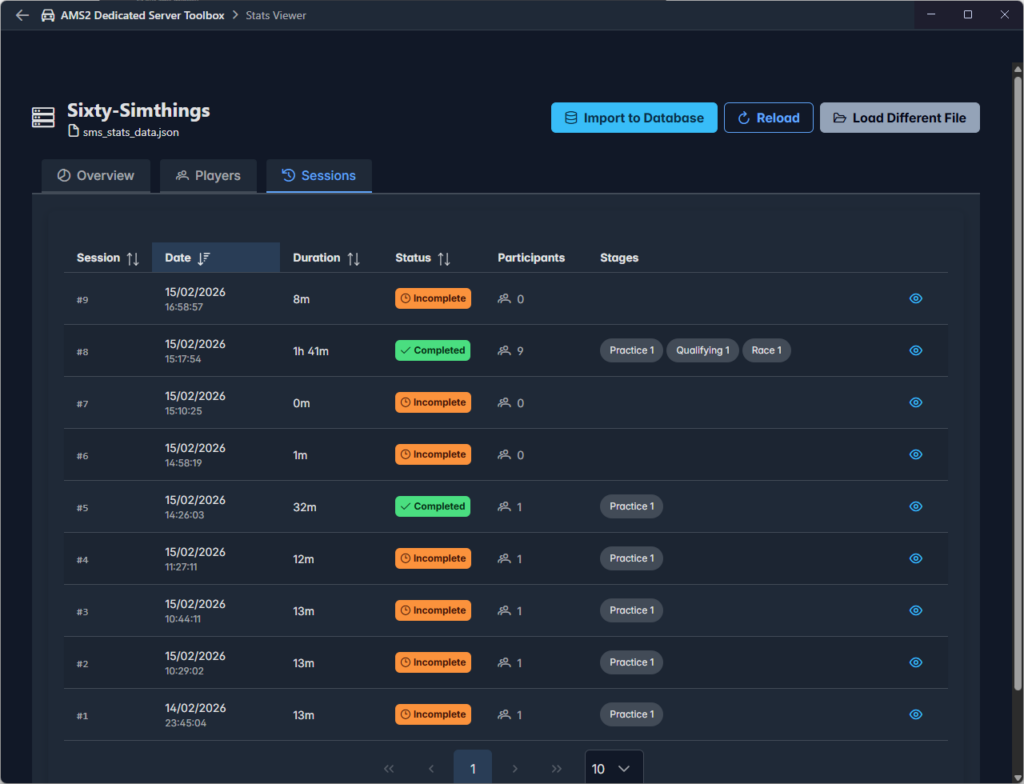
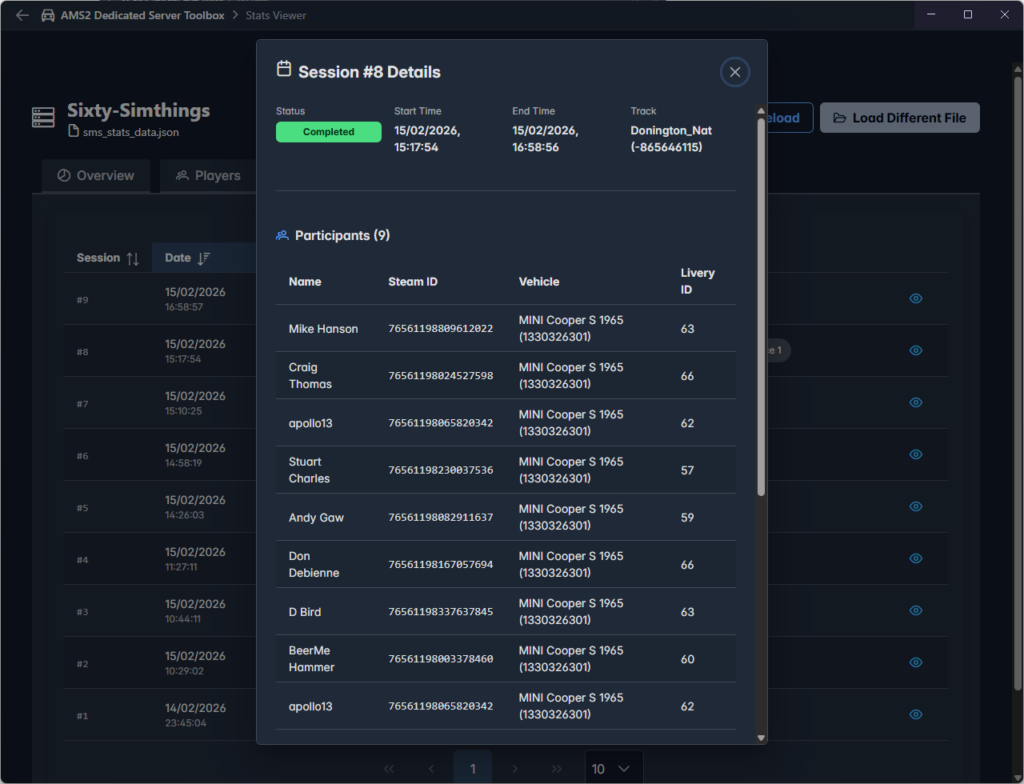
The Sessions tab provides a list of sessions found in the file, with some basic information on each. For a more detailed view of the session click the eye icon at the end of a row.
Importing Result Data
Stats Viewer displays data in the selected file, it does not automatically import this into the results database used by Result Viewer. For convenience a button is provided at the top of Stats Viewer allowing you to import the results data without having to open the file again in Results Viewer.

When you click on this button a popup window will display the results of the import.
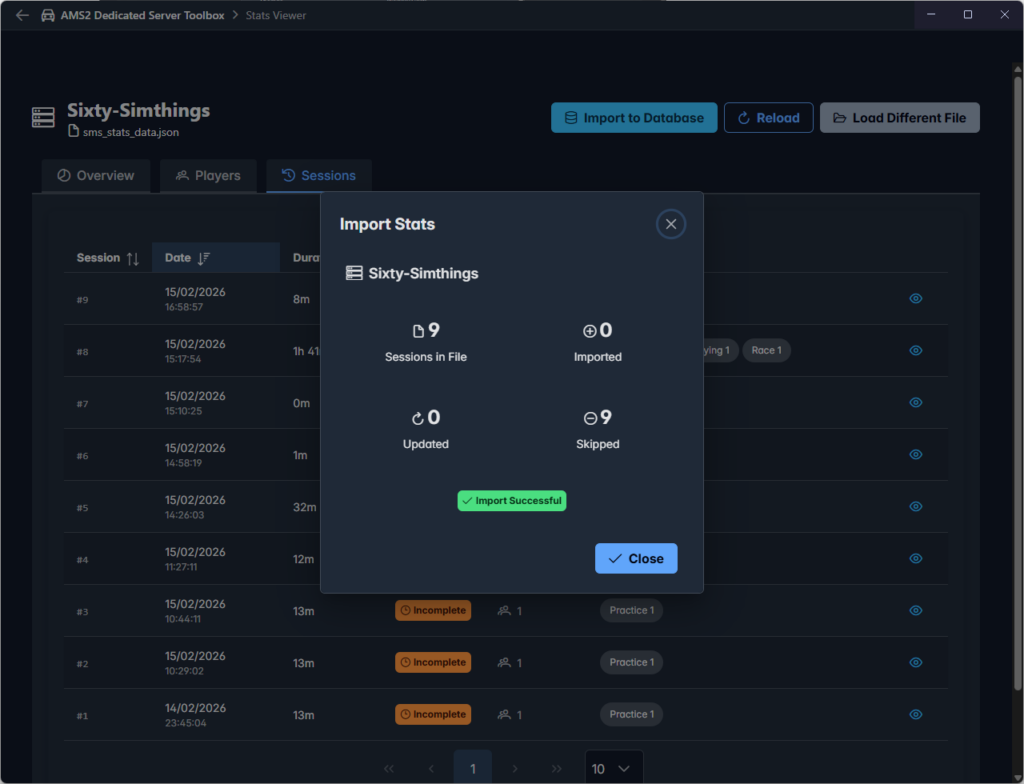
In this case it is showing no action, because the file has already been imported and the import process ensures results are not duplicated.